The online photo editor that feels like desktop.
Layers, filters, text and precise crops — PhotoCraft runs entirely in your browser. No installs, no uploads, no lock-in.
Runs entirely in your browser — your images never leave it.
Layers
Professional layers. Zero install.
Stack, blend, mask and reorder non-destructively. Blend modes, opacity and lock controls work exactly like the desktop tools you already know.
- Unlimited layers with drag-to-reorder
- Blend modes and per-layer opacity
- Hide, duplicate or lock any layer
Adjustments
Color that responds in real time.
Brightness, contrast, saturation, temperature, vignette and sharpening — every slider renders at full resolution with instant preview, before and after side by side.
- Real-time preview at full resolution
- One-click film and mood presets
- Non-destructive — re-edit any time
Tools
Crop, text, shapes — the daily toolkit.
Marquee selections, snap-to-edge text, rectangles, ellipses and arrows. Every tool sits one keyboard shortcut away, the way professionals expect.
- Marquee selections with move and feather
- Text layers with size, weight and color
- Shortcut-first: V, M, B, T, C — one key per tool
Built for professional work.
Serious editing demands serious performance. PhotoCraft renders locally on your machine — your images never leave your device.
Canvas rendering, even on 4K images
In-browser — images never uploaded
Installs required — works on any OS
One editor, every kind of work.
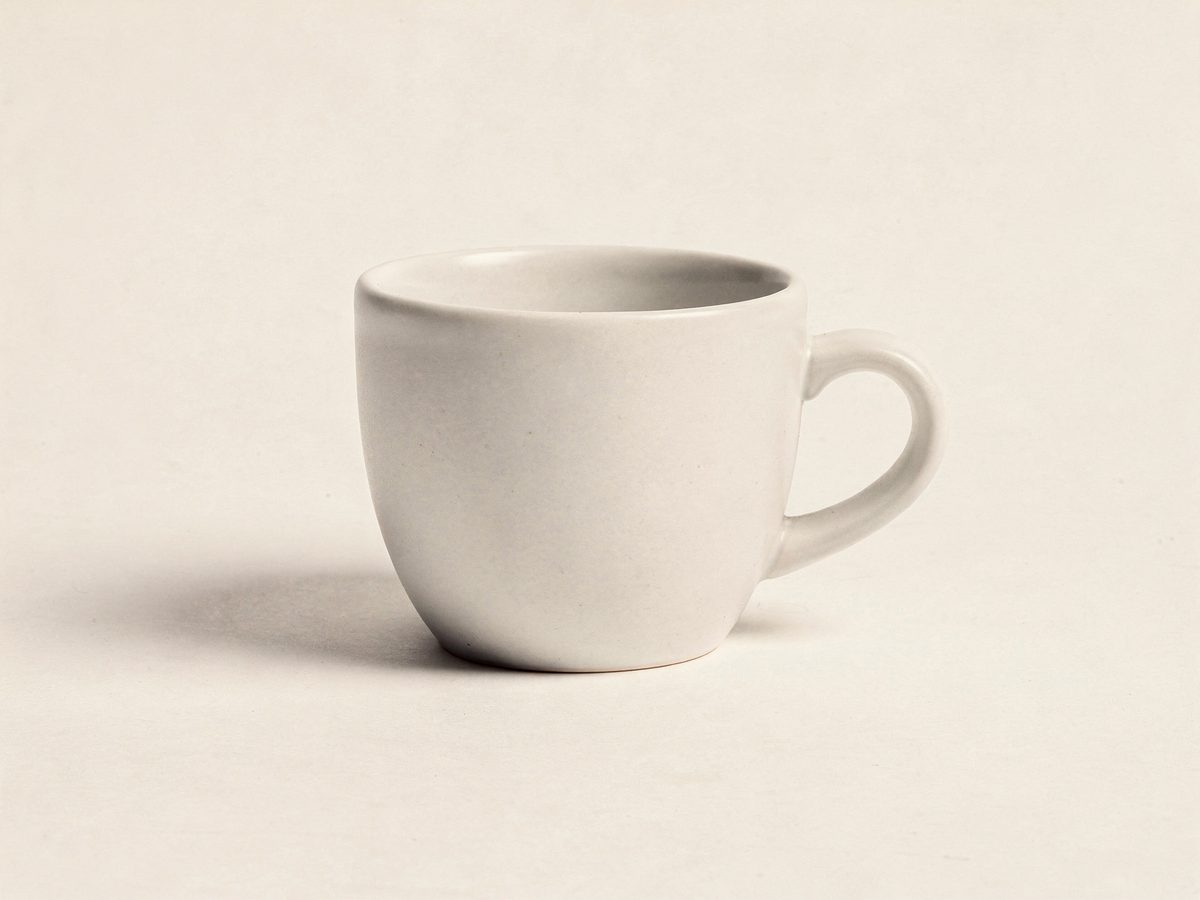
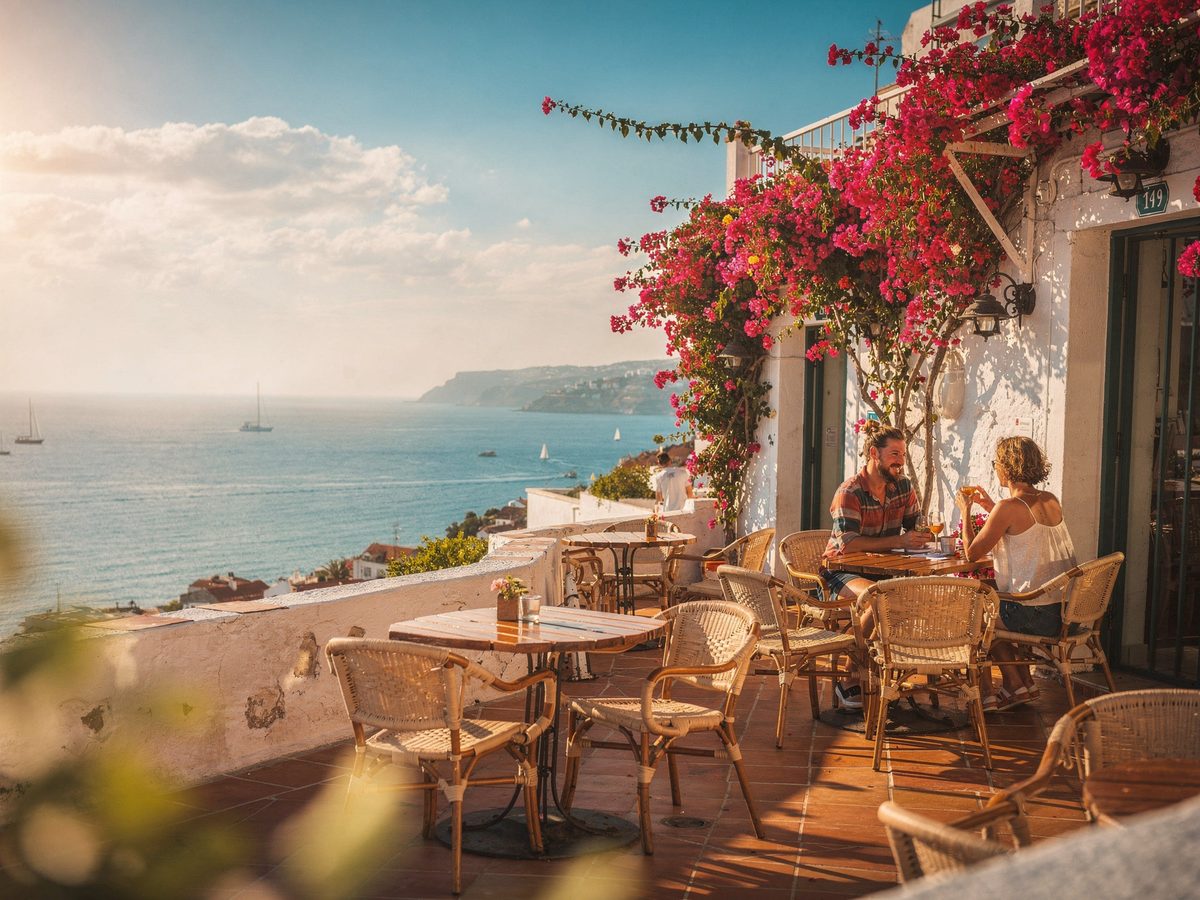
See what a few layers and good light can do.
The complete toolkit, card by card.
24 capabilities you can use the moment the editor opens — all built in.
Unlimited layers
Image, paint, text and shape layers — stack as many as the work needs.
Drag-to-reorder
Restack the composition at any time, bottom to top.
10 blend modes
Multiply, screen, overlay, soft-light, color-dodge, difference and more.
Per-layer opacity
Dial any layer from 0 to 100% without touching the others.
Lock, hide, duplicate
Keep a safe original while you experiment on copies.
10 live adjustments
Brightness, contrast, saturation, temperature, vignette, blur, sharpen and more.
Per-layer adjustment stacks
Every layer carries its own grade — mix looks inside one document.
10 one-tap presets
Vivid, warm, cool, fade, drama, mono, film, noir — instant starting points.
Full-resolution preview
Sliders render at the image's source resolution, never a thumbnail.
Warm & cool temperature
A custom warm/cool render pass beyond the standard filter set.
Drawn vignette
Hand-rendered per layer and dialed from 0 to 100.
Real sharpen & blur
Convolution sharpening plus gaussian blur, on any layer.
Marquee selections
Select a region, then move or feather just that part.
Brush & eraser
Paint strokes land on their own layer — always non-destructive.
Text layers
Content, size, color, bold and italic — editable at any time.
Shape toolkit
Rectangles, ellipses, lines and arrows with stroke and fill.
Eyedropper
Sample any pixel on the canvas as your color.
Crop & recompose
Reframe the shot without rebuilding the document.
Pan & zoom
Zoom in, out and fit — Mod+0 snaps straight back to fit.
Snapshot undo & redo
Full pixel history — every step stored and reversible.
Keyboard-first
V, M, B, T, C for tools; Delete, +/- and Mod+0 for the rest.
Export PNG, JPEG, WebP
Pick the format, set the quality, scale the output size.
100% local
Canvas2D rendering in your browser — images never leave the device.
Opens any image
Everything your browser decodes: JPEG, PNG, WebP, AVIF, GIF, SVG.
Frequently asked questions.
Everything you should know before your first edit.
Do my images get uploaded?
No. PhotoCraft renders and edits entirely on your device — every adjustment happens in your browser, and your files never touch a server.
Do I need an account?
No. Open the editor and start working immediately — no sign-up, no email, no trial clock.
Which formats can I open?
Anything your browser can decode: JPEG, PNG, WebP, AVIF, GIF and SVG.
What can I export?
PNG for lossless quality, JPEG for smaller files, and WebP when you want the best balance of both.
Which keyboard shortcuts are there?
One key per tool: V to move, M for the marquee, B for the brush, T for text and C to crop — the same muscle memory as desktop editors.
How large can my images be?
There is no imposed limit — editing runs on your hardware, so modern machines handle 4K images and larger comfortably.
Try PhotoCraft now.
Your next edit is one click away — no account needed to start.